
Online Football Management Game
FOOTSIM
Browser-Based Simulation UI
The Challenge
FootSim is a web-browser football management game designed for tactical purists and simulation enthusiasts. The original brand identity suffered from visual clutter and weak typographic hierarchy, compromising usability across dense data screens and in-game dashboards.
The Execution
The core redesign objective was to create a clean, high-precision visual language. By calibrating chromatic contrast and typographic cadence, the new identity bridges the gap between competitive sports management and modern, frictionless web software.
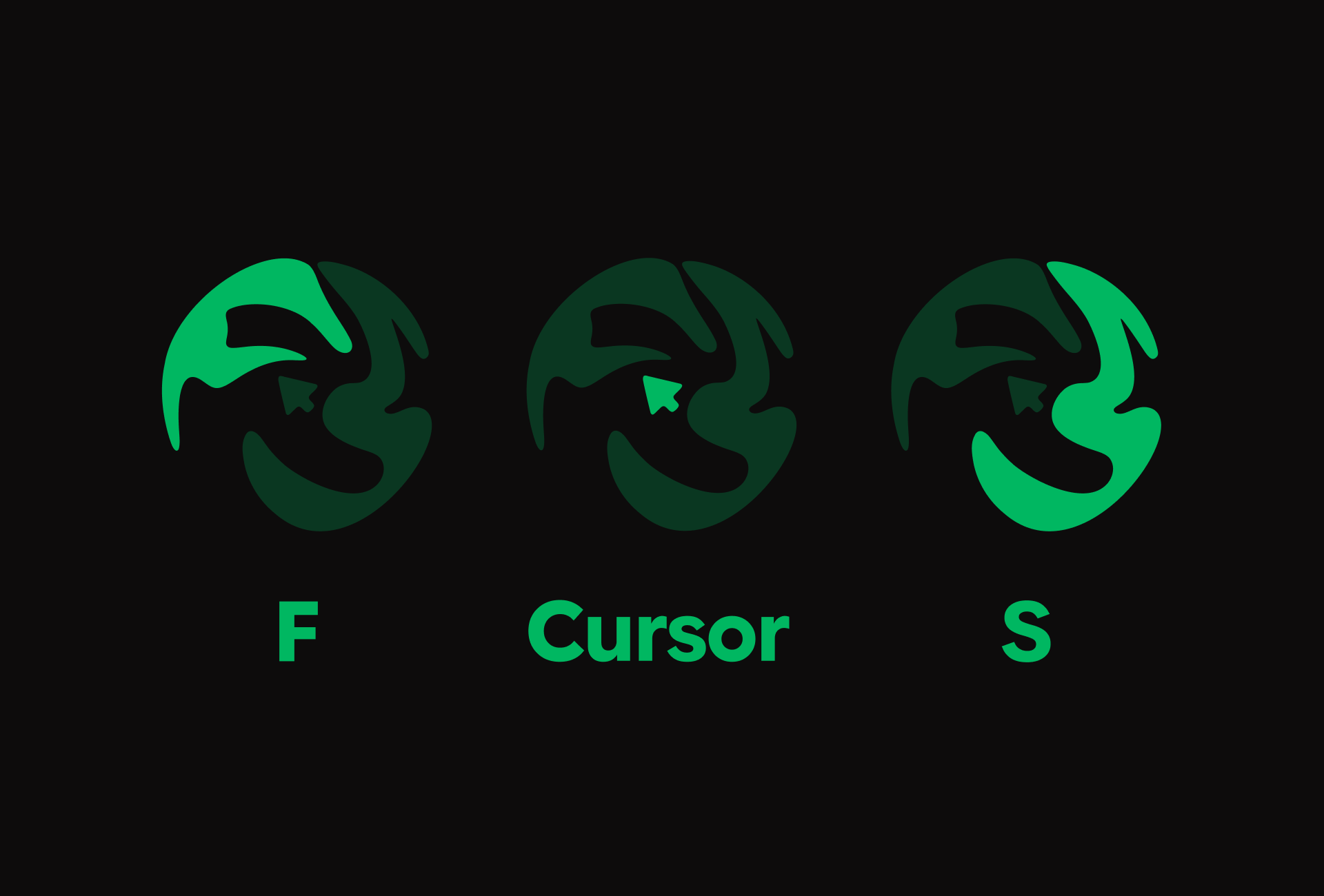
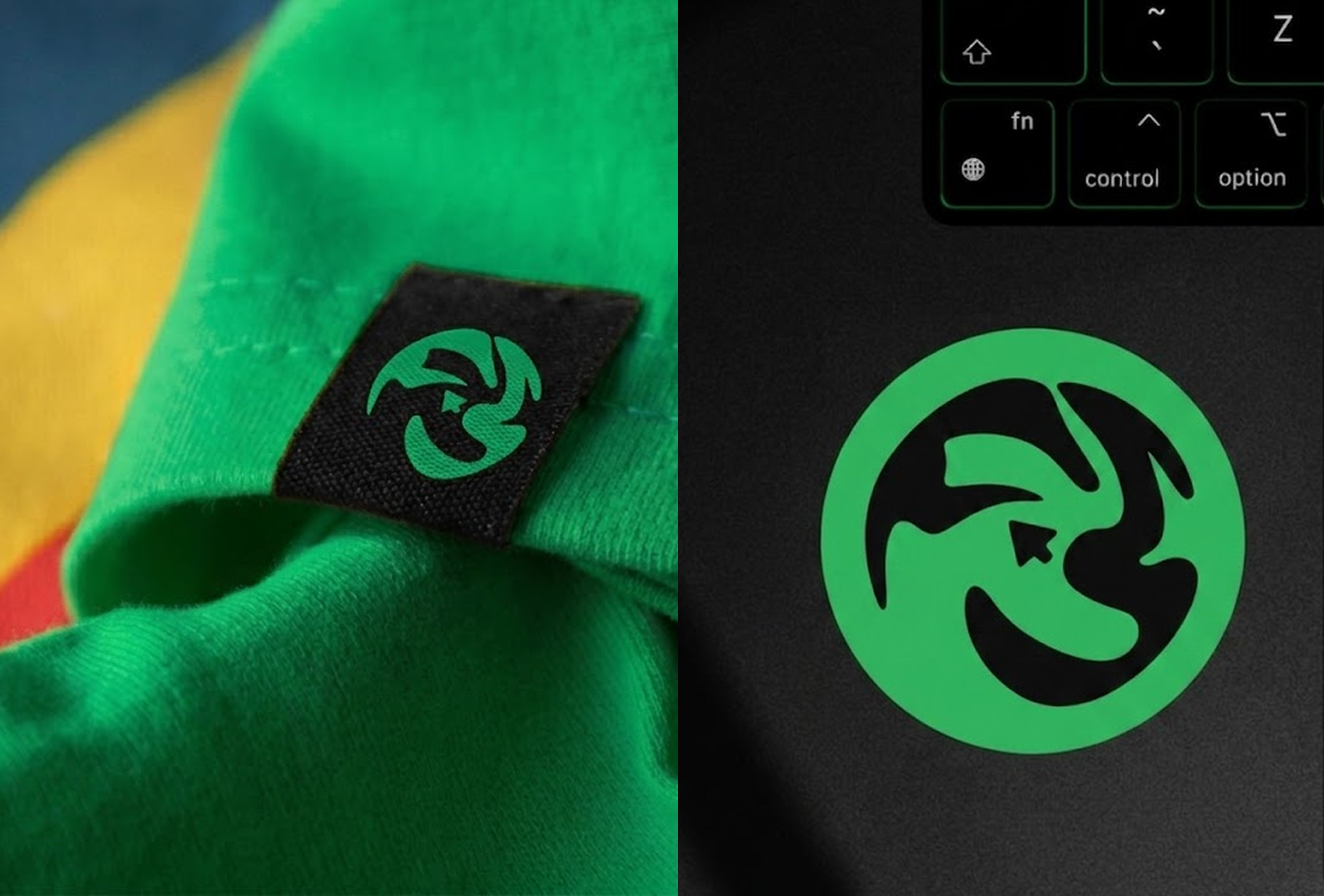
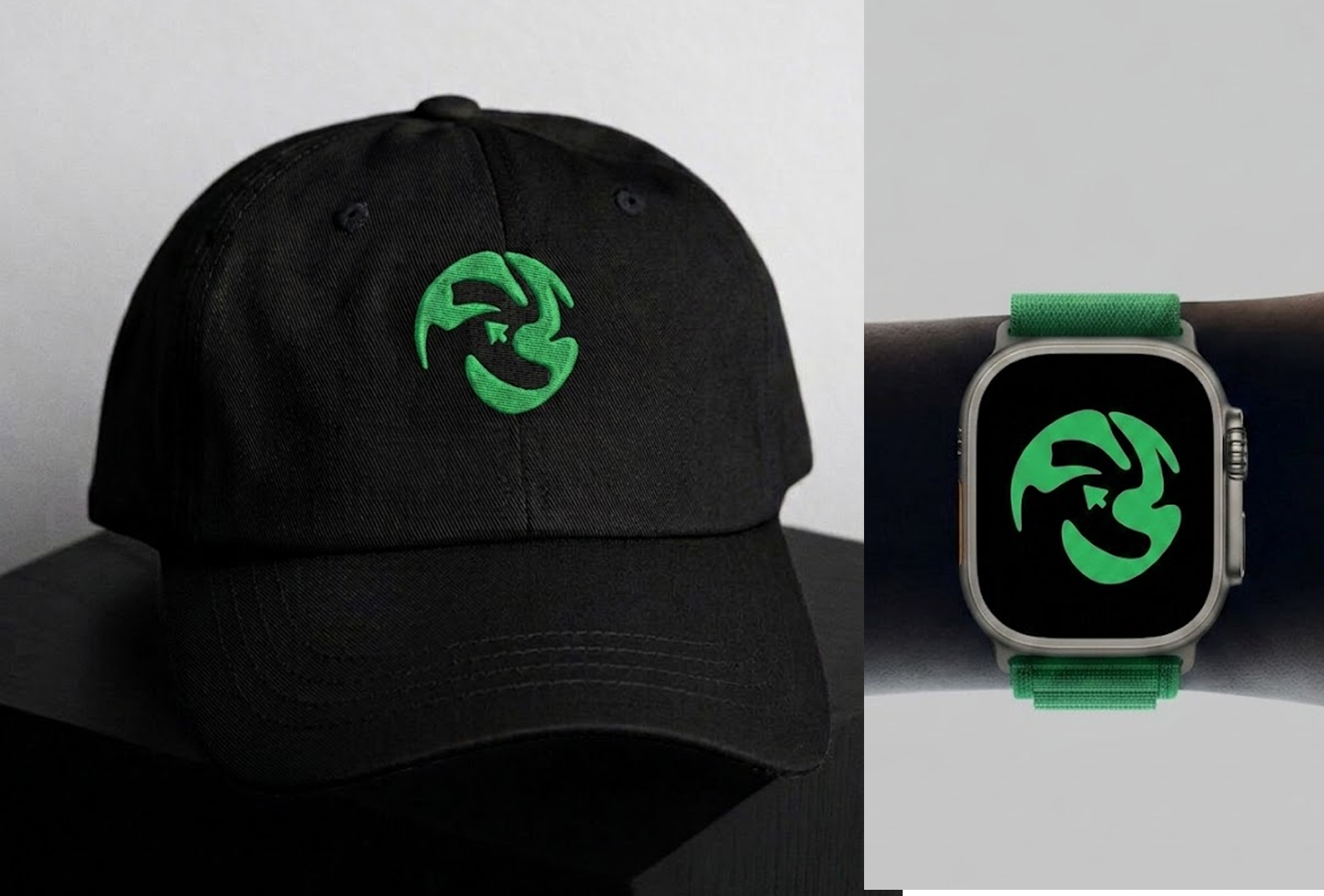
Retaining the original premise of a football interacting with a mouse cursor, the icon was rebuilt from the ground up. The stylized geometry seamlessly nests the 'F' and 'S' monograms within the seams of the ball, while the cursor anchors the exact center point.
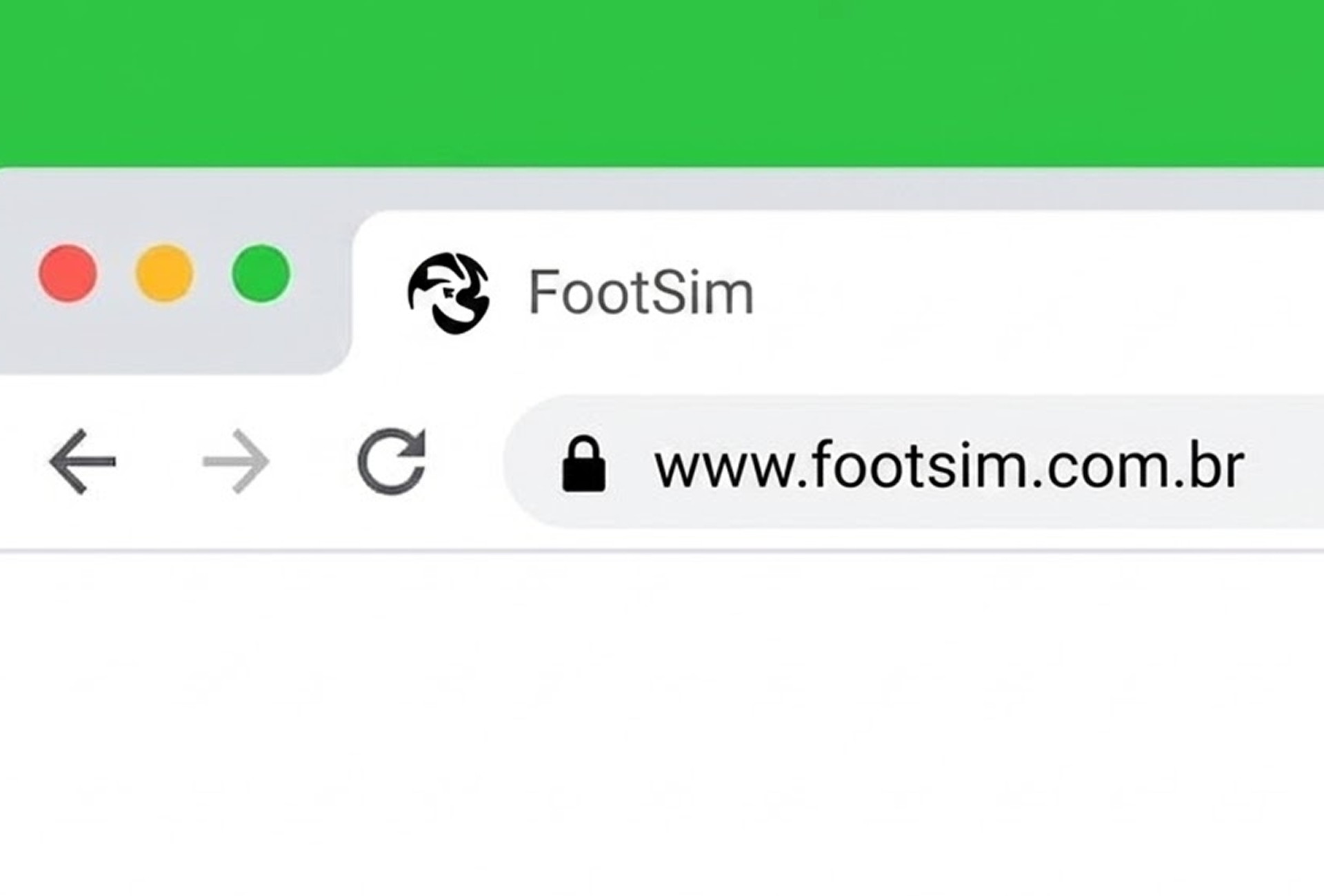
This synthesis creates an instantly recognizable badge that scales cleanly from small browser favicons to large promotional banners.
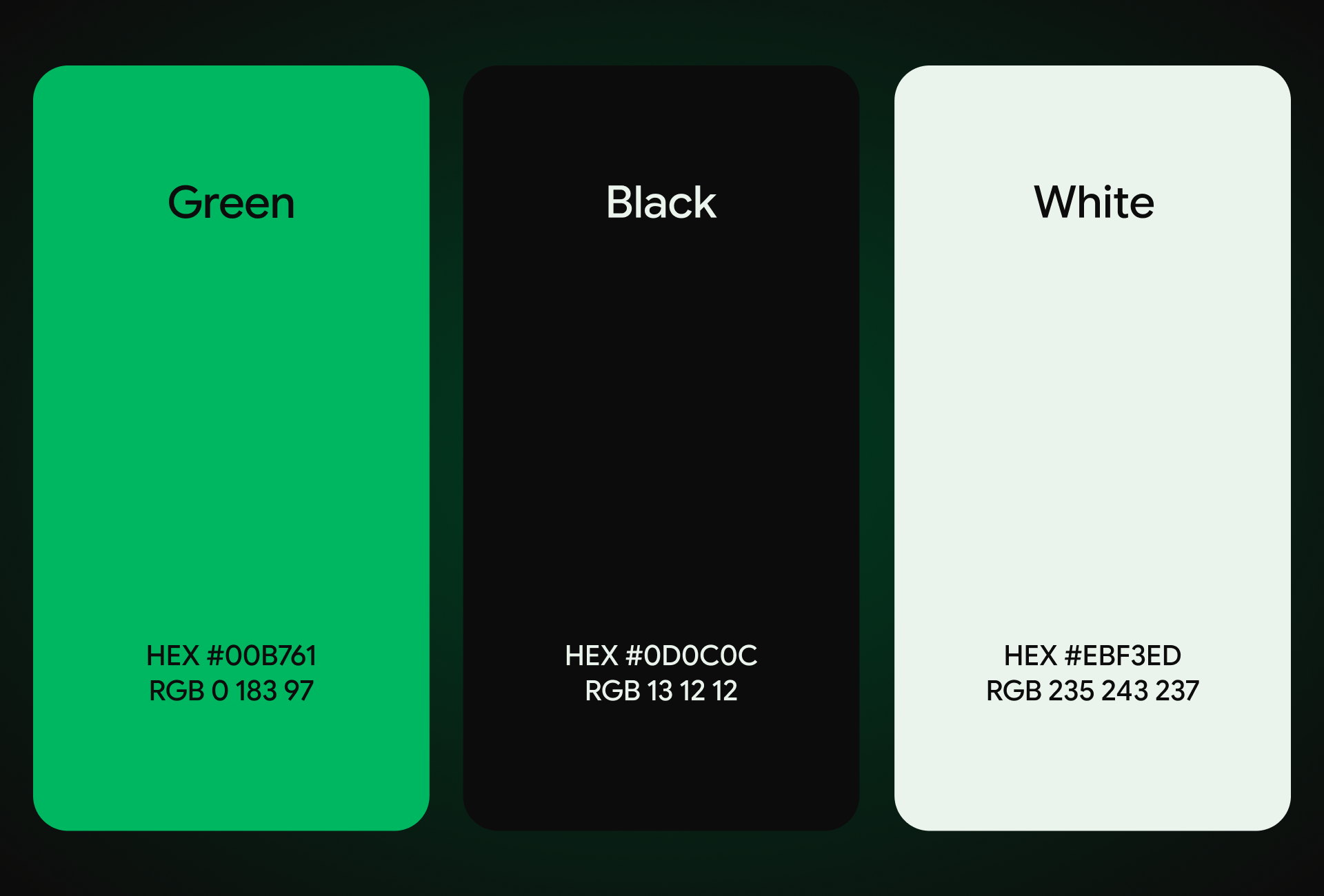
The core brand colors were preserved to honor player recognition, but were strictly recalibrated for digital screens. The primary pitch green (#008761) provides energetic tactical contrast against deep obsidian black (#0D0C0C) and clinical off-white (#EBF3ED).
The typographic pairing balances Google Sans Flex for bold UI headers with Helvetica Neue for highly legible tabular data, match stats, and long-form scouting reports.


Is poor UI/UX hurting your digital product?
From complex data dashboards to clean brand identities, let's engineer an interface your users actually want to engage with.
Start a Project